PHOTO MATH SOLVER
Explore Now
When You Don't Want to Type It All Out
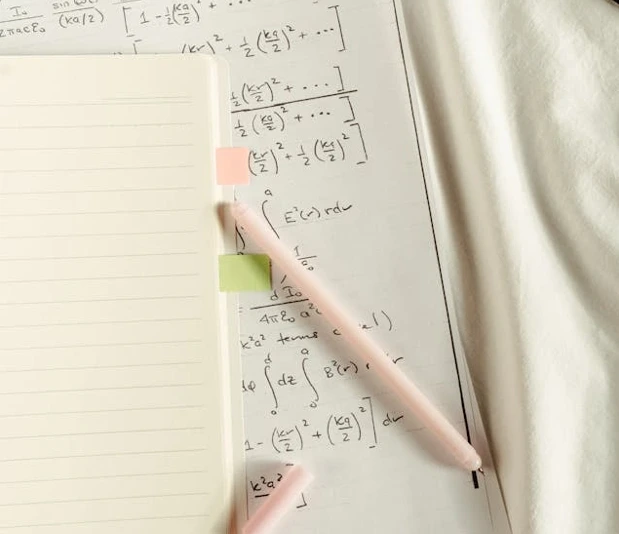
Sometimes typing a long equation or word problem is a pain. That's where photo upload comes in. Snap a picture of your homework, textbook page, or worksheet and MathGPT reads it for you. You get the same clear step by step breakdown, but without all the typing.
It works with printed text, handwriting, screenshots from PDFs, and even messy notes if the photo is clear enough. Upload, wait a few seconds, and you're looking at a solution you can follow.
PHOTO UPLOAD FEATURES
Everything You Need to Solve From a Picture
01

Upload photos, screenshots, and handwriting
Take a picture with your phone or upload a screenshot from your laptop. MathGPT reads printed text, clear handwriting, and even homework worksheets.
Upload a photoThis is home page.
02

Get tips for the clearest results
Crop to just the problem, use good lighting, and keep one question per image. The clearer the photo, the better MathGPT can read it.
See photo tipsGenerate Video.
03

Read entire worksheets problem by problem
Upload one problem at a time from your worksheet for the most accurate results. MathGPT focuses on that single question and explains it fully.
Upload worksheetCreating practice quizes.
04

Switch to typing when you want more control
Photo upload is fast, but if you want hints, step reveals, or practice problems, use the typed math solver for a more interactive experience.
Type a problemGraphing Calculator.
WHY USE PHOTO UPLOAD
Fast Help When You Don't Want to Type
Solve homework without typing it out
Worksheets, textbook pages, study guides—if you've got it on paper, just upload it. MathGPT reads the problem and shows you how to solve it.
- Works with photos from your phone or tablet
- Reads printed and handwritten problems
- Great for long equations and word problems
Tips for getting the best results
Clear photos mean better accuracy. Crop out extra clutter, make sure the lighting is good, and avoid blurry shots. One problem per upload works best.
- Crop to just the math problem
- Use bright, even lighting
- Upload one question at a time for accuracy
Handles handwriting when it's legible
MathGPT can read handwriting if the photo is clear and the writing isn't too messy. If it struggles, try rewriting key parts or taking a closer shot.
Have Any Questions About Math
Solver
Frequently Asked Questions
How does the photo math solver work?
Upload a photo or screenshot of your math problem and MathGPT reads the question, then gives step by step help with clear explanations. You can ask follow up questions to understand any step.
What types of images can I upload?
You can upload photos, screenshots, and clear pictures of printed or handwritten math. For best results, crop to the problem, use good lighting, and keep the text sharp.
Can MathGPT solve handwritten math from a picture?
Yes, it can often handle handwriting when the photo is clear. If handwriting is messy, try rewriting key parts or taking a brighter, closer photo.
What subjects can the photo math solver handle?
It supports algebra, calculus, geometry, trigonometry, statistics, and word problems. You can also ask STEM questions in physics, chemistry, and accounting.
Should I upload my entire worksheet at once?
No. Upload one problem at a time for the best accuracy. MathGPT focuses better when there's only one question in the image.
MathGPT Discord Math Solver Bot
Use the MathGPT Discord bot to upload photos of your homework directly in your server. Snap a picture of your worksheet and get solutions without leaving Discord. Great for study groups working through problem sets together.
Integrate With Your Discord Server for Free
Quick Links